Landing Zone Builder
Design compliant cloud foundations visually.
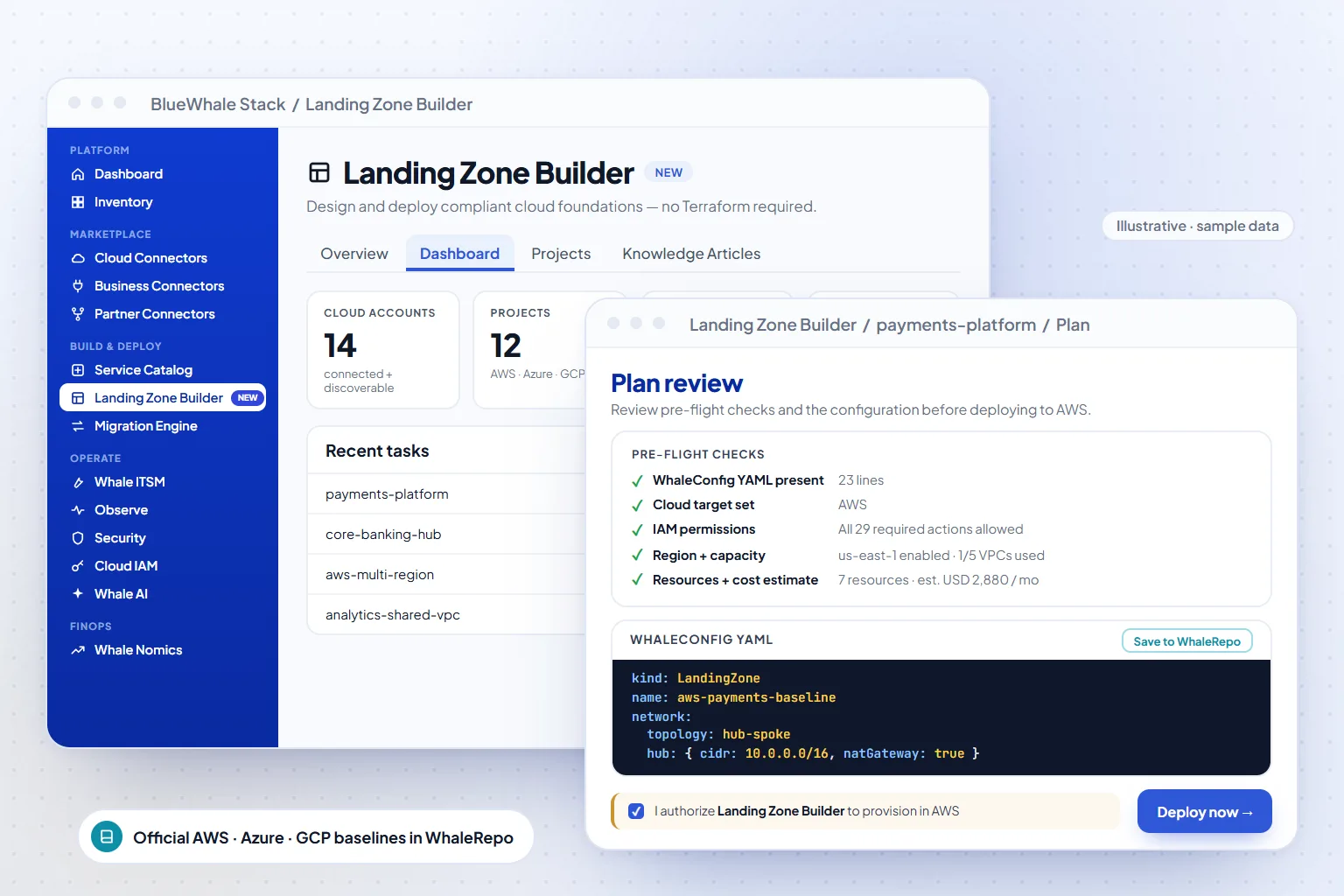
Landing Zone Builder is a visual designer for compliant cloud foundations — AWS Control Tower, Azure Cloud Landing Zone and GCP foundations — that generates the multi-account baseline as Terraform HCL with guardrails, tags and account structure built in. Design the foundation as a diagram; get the code that stands it up.
- AWS · Azure · GCP
- Control Tower, CLZ and GCP foundation patterns
- Baseline HCL
- Multi-account, versioned, reviewable
- Guardrails
- Policy, tagging and network controls from day one
Capabilities
What Landing Zone Builder does
Visual foundation design
Lay out organisations, accounts, networks and shared services on a canvas that mirrors each provider's reference architecture.
Guardrails as configuration
Choose the controls — SCPs and policies, tagging standards, network baselines — and they are generated into the code, not documented beside it.
Generated multi-account baseline
The output is Terraform for the whole foundation, ready for review and your pipeline.
Industry patterns
Banking, telco, healthcare and government starting points that reflect segregation and residency requirements.
How it works
3 steps, from first connection to steady state
Design
Pick the provider pattern and draw the account and network structure.
Select guardrails
Turn on the controls the estate must have; the designer validates the combination.
Generate
Export the baseline HCL and apply it through your pipeline.
Where it fits
One module of one platform
Shared platform
Capabilities
- Designer for AWS Control Tower / Azure CLZ / GCP
- Multi-account baseline HCL
- Guardrails built in
- Visual, diagram-driven design
Also in Management & Delivery
Questions
Questions teams ask before turning it on
Scope, permissions and maturity — answered the way we answer them in an evaluation.
01Do we need Control Tower already?
No. The designer can target a new organisation or model an existing one; for existing estates, import the current structure and add the guardrails you are missing.
02What is the Beta limitation?
The generated baseline is applied through your own pipeline today; a managed apply step is planned.
See it on your data
Landing Zone Builder, on your own estate — in one working session.
Bring one cloud account or one on-prem site. We connect it read-only during the call, walk the module on your real resources, and leave you with the export.